Buying Guides
When the Wire Beats the Wave: Choosing Ethernet Where It Counts
Wi-Fi won convenience, but jitter is what users feel in meetings. Where wired ethernet still wins, the density rule for offices, and the hybrid desk recipe in practice.
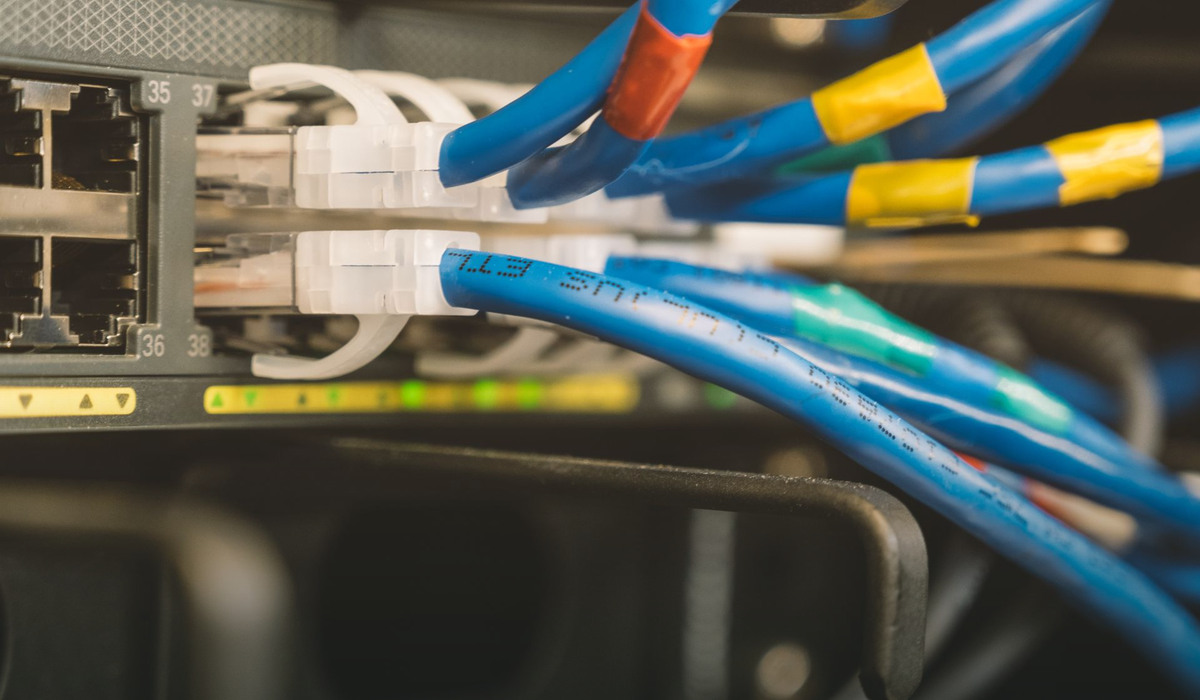
Wi-Fi won the convenience war, and most of the time it deserves the victory. But convenience is not the same as performance, and on the specific tasks that pay the bills, video calls, large file transfers, shared drives and anything latency sensitive, the wired connection still beats the wireless one by margins users can feel. The problem is that most offices stopped thinking about this the day they installed a good access point. This guide explains where wired ethernet still wins, by how much and why, and how to plan a desk that uses the wire where it counts and the wave everywhere else.
Latency: the number users feel without knowing its name
Wireless networks share airtime. Every device on the same channel, in the same room, on the neighboring network, takes turns transmitting, and the coordination overhead shows up as jitter, tiny variations in when packets arrive. A video conference tolerates bandwidth fairly well and jitter terribly, which is why calls on a crowded wireless network stutter even when the speed test shows excellent numbers. Speed tests measure throughput in the best moment; conferences experience the worst moment.
Wired ethernet removes the sharing problem at the desk. A switched line to the port is a private lane with deterministic timing, and the difference shows up exactly where users complain: calls that stop freezing, screen shares that stop stuttering, remote sessions that stop lagging. The user does not know the word jitter, but they know the meeting that stopped breaking up.
Density: the office variable nobody plans for
A home network serves five devices, and wireless handles it easily. An office floor serves fifty or a hundred, often in a compact area, and wireless performance degrades with every additional device competing for the same air. Dense offices are precisely where the wired desk earns its keep: every workstation moved onto ethernet takes real airtime back for the phones, tablets and laptops that genuinely need to be wireless.
The planning rule is simple. Anything that sits still on a desk and talks to the network all day, workstations, docks, printers, network storage, belongs on a wire. Anything that moves between rooms belongs on the air. That single split fixes most of the congestion complaints an office will ever generate.
Security and reliability by architecture
Wired links carry two quieter advantages. First, access control: a physical port is an enforceable boundary, and sensitive departments from finance to engineering can run isolated wired segments that no rogue device joins by accident. Second, reliability by construction: a wired link has no channel conflicts, no roaming handoffs and no signal fade when someone closes the meeting room door. Troubleshooting is simpler too, because a wired path either works or it does not, while a wireless fault hides somewhere between the device and the access point.
None of this argues for tearing out wireless. It argues for architecture: the wire where stability is money, the air where mobility is.
The desk recipe in practice
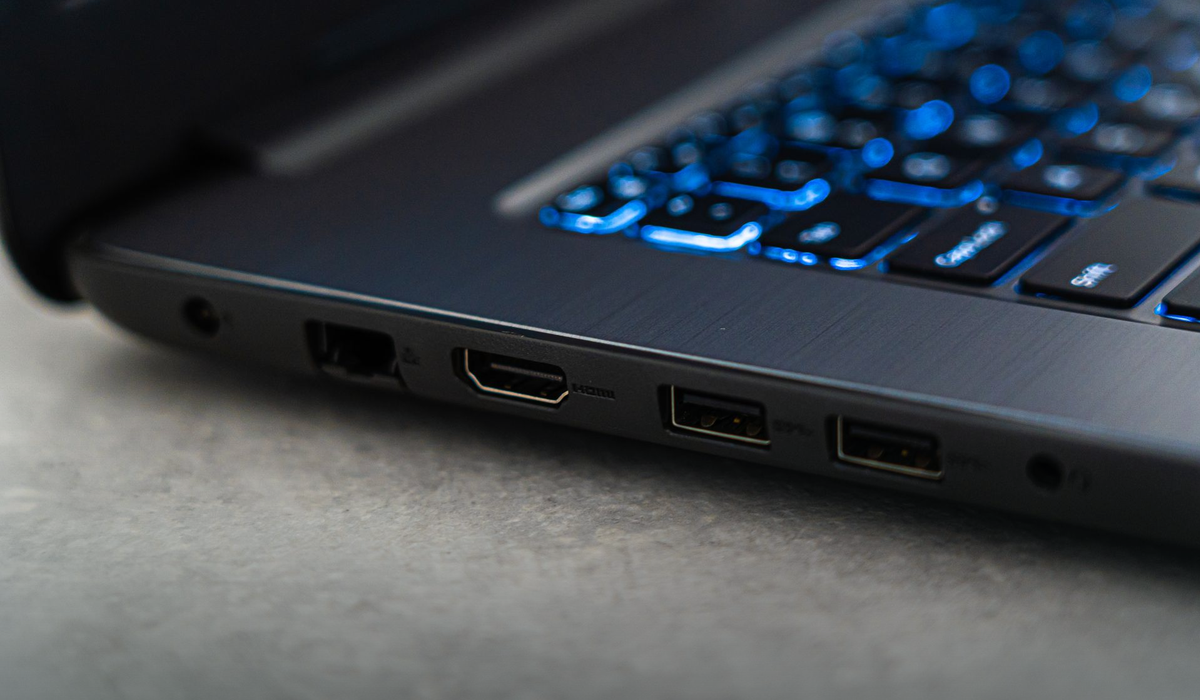
A practical hybrid desk standard looks like this. The dock or the workstation carries the wired line, one ethernet run to the desk, so every laptop that lands there inherits the wired advantage through a single connection. Laptops and phones stay wireless for meetings and movement. For machines without an ethernet port, and modern laptops have mostly removed them, a USB-C or USB-A to ethernet adapter in the 2.5 gigabit class restores the wire through the same USB port the dock already uses, at a cost that rounds against the cost of one lost hour of video call failure.
Where the desk cannot take a run at all, distance or building rules being the usual reasons, the wireless side has its own upgrades worth pairing with the strategy: a dedicated access point near the desk cluster, wired backhaul between access points so the air is only the last hop, and a network plan that keeps the desk devices off the guest network entirely. The goal is not purity on either side. The goal is that the last hop, the one the user experiences, is the strongest link in the chain.
The verification habit for buyers is to check three numbers on any ethernet adapter: the link speed it actually negotiates, the driver support for the operating systems in the fleet, and whether the rating is stated honestly rather than implied. Wired or wireless, the chain performs at the level of its least honest component.
What we supply
Mattzon builds the wired layer for this recipe: ethernet adapter lines in the 2.5 gigabit class for USB-C and USB-A hosts, alongside the docks and hubs that consolidate the desk connection, with ratings stated on every listing. The range supports OEM and ODM programs with 89 percent of products on private tooling, samples and small trial batches are accepted with no minimum order quantity, and production runs are scheduled in 3 to 25 days from our factory in Shenzhen, with CE, FCC and RoHS documentation for destination markets.
Put the still things on wires and the moving things on air, and the complaints about the network usually stop being about the network. The wire never won the war, but on the desk where work happens, it still wins the meetings.