Buying Guides
The Long Run: Planning HDMI Cable Paths for Projectors and Conference Rooms
A projector that works on the bench can fail at eight meters in the ceiling. Plan the route, respect the bend radius, and pick the right cable family before you buy.

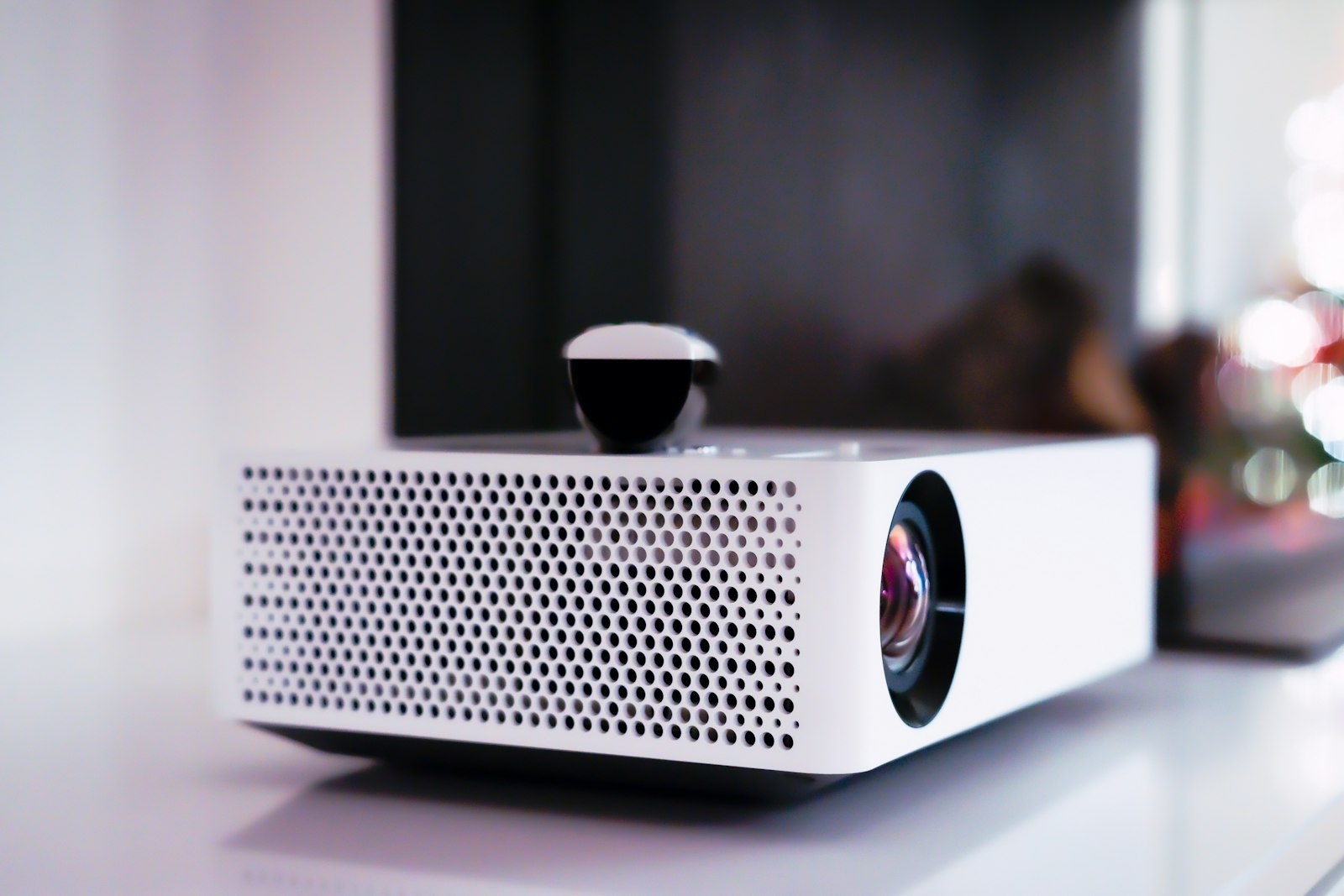
Every integrator knows this scene. The projector gets tested on the bench with a two meter cable and the picture is flawless. The same projector goes up on the ceiling with an eight meter run through the wall, and the image starts dropping out in the middle of the first meeting. Nothing about the projector changed. The distance did.
Long HDMI runs fail in ways short ones never show you, and almost every failure traces back to planning that stopped at the room's floor plan instead of following the actual cable path. This guide walks through the decisions that separate an installation that works on day one from one that generates support calls for a year.
Why Distance Changes Everything
An HDMI signal is a very fast conversation. At 4K 60Hz the link moves 18 Gbps, and at HDMI 2.1 speeds it moves up to 48 Gbps. The faster the data rate, the more the cable itself works against you: every meter adds attenuation, and the high frequencies that carry fine detail fade first.
Passive copper HDMI handles desk distances easily. In practice, full bandwidth over passive copper starts getting risky somewhere in the range of a few meters to about ten, depending on construction quality. Beyond that, installers see intermittent dropouts, sparkles on screen, or a link that trains down to a lower resolution. Those are exactly the symptoms that show up after the ceiling closes, not before.
So the first planning decision is not which brand to buy. It is honest arithmetic: measure the signal path length first, then choose the cable family that is proven at that length.
Measure the Route, Not the Room
The most common planning mistake is using straight line distance. A room that is five meters wide can easily need a twelve meter cable once the path goes up the wall, across the ceiling truss, down to the projector mount, and back out to a wall plate.
Walk the real route before ordering. Add the verticals: floor to ceiling is often three meters on each end that nobody counted. Then add a service loop, a spare meter or two coiled neatly at one end, so a future service visit does not require a new cable. The route total is usually twenty to fifty percent longer than the room, and the cable family you need depends on that honest number, not the short one.
One more routing rule that costs nothing: keep signal cables a hand's width away from power runs where they run parallel, and cross power at right angles where a crossing is unavoidable. It is old practice, and it still prevents the hum and flicker complaints that get misdiagnosed as faulty hardware.
Bends, Strain and the Case for Right Angle Adapters
Cables have a minimum bend radius, the tightest curve they can take without damaging the conductors inside or disturbing the shielding. Bend one tighter than it likes and nothing visible happens that day. What happens later is intermittent dropouts that look exactly like a defective unit.
Two habits prevent this. First, route corners with a sweep, not a pinch: a cable strapped hard around a ceiling corner at ninety degrees is living at its mechanical limit. Second, where a tight turn is unavoidable, such as directly behind a wall mounted display or at a projector mount plate, let an adapter take the geometry instead of the cable. A right angle HDMI adapter moves the bend from the cable body to a short, solid connector body that is built for it, and the cable leaves the adapter straight.
The same logic applies at the port itself. A heavy cable hanging off a wall plate or a display port puts sideways load on the connector. Adapters and wall plates act as strain relief: they hold the weight so the port does not have to.
Passive Copper, Active Copper, Then Light
Once you have the honest route length, pick the family:
Passive copper: best under about five meters at full bandwidth. Simple, no power needed, most affordable.
Active copper: the cable contains small electronics that boost and clean the signal. It extends copper reach and usually needs a powered end or a power injection point. Check which end needs power before you plan the conduit.
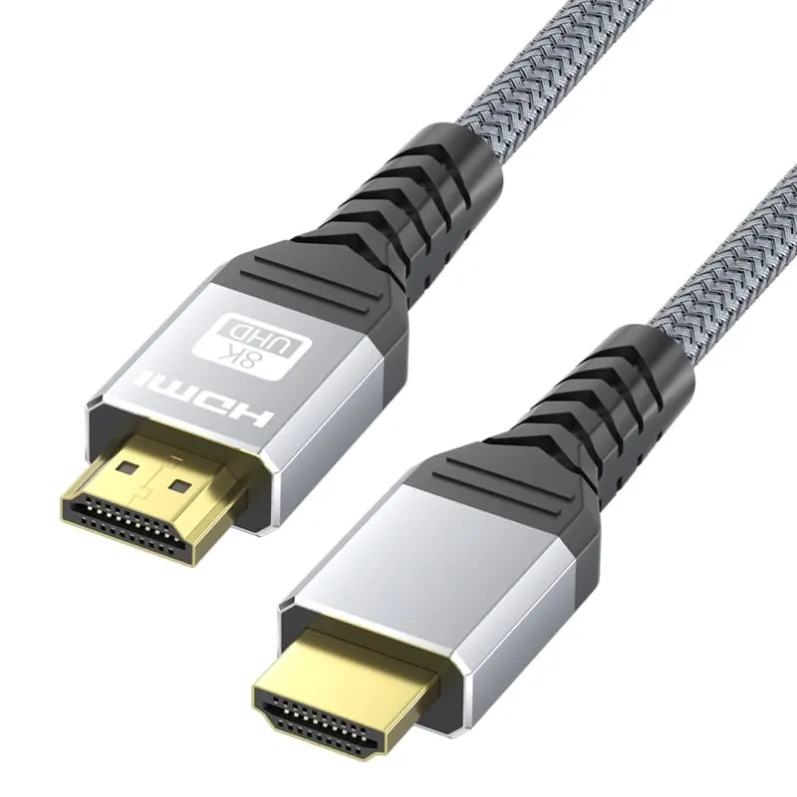
Fiber optic HDMI: the signal crosses the cable as light. Distance stops being the enemy, and the cable itself stays thin and flexible, which matters when the conduit is already crowded. This is the standard answer for serious runs and for commercial installs where a service call costs more than the cable.
The jump from copper to fiber is not exotic anymore. It is the normal specification for boardrooms, lecture halls, and digital signage walls, where the run is long and downtime is visible to customers.
In Wall Means In Wall Rated
If any part of the path runs inside a wall, ceiling, or plenum, the jacket rating matters as much as the bandwidth. In wall rated cables use jacket materials designed for those spaces, and many jurisdictions require them for permanent installation. Buying a rated cable costs little; re-pulling a wall run costs a site visit, an outage, and your integrator's patience.
Confirm this in writing with your supplier: the exact product you are ordering is rated for in wall use in your market.
What to Ask Before You Order
A short checklist that catches most long run failures before they happen:
1. Certified bandwidth at your length, not at someone else's. A cable family can be excellent at five meters and marginal at fifteen. Ask what the rated bandwidth is for the exact length you are buying. 2. Connector construction: molded connectors and well anchored strain relief survive installs; fragile assembled connectors do not. 3. Jacket rating for the spaces it will cross. 4. Sample testing: pull one sample through the worst corner of your real route before the bulk order. Any factory confident in its product will say yes.
A factory that controls its own production can also cut to your exact lengths, which removes both the service loop guesswork and the coil of excess cable shoved into a ceiling. Mattzon manufactures HDMI cable in Shenzhen with no minimum order quantity, cut and finished to the lengths a project actually needs, with samples accepted before trial batches and lead times from 3 to 25 days.
Plan the route honestly, respect the bend, and put light under the ceiling when the meters pile up. The meeting should be about the agenda, not the cable.