Sep 30, 2026Buying Guides
Why USB-C Hubs Die One Port at a Tim, and How to Buy One That Won't
Budget hubs rarely die all at once,ports fail one by one as heat and undersized components age. Here is what actually kills them, and the checklist that separates a two-year hub from a two-month one
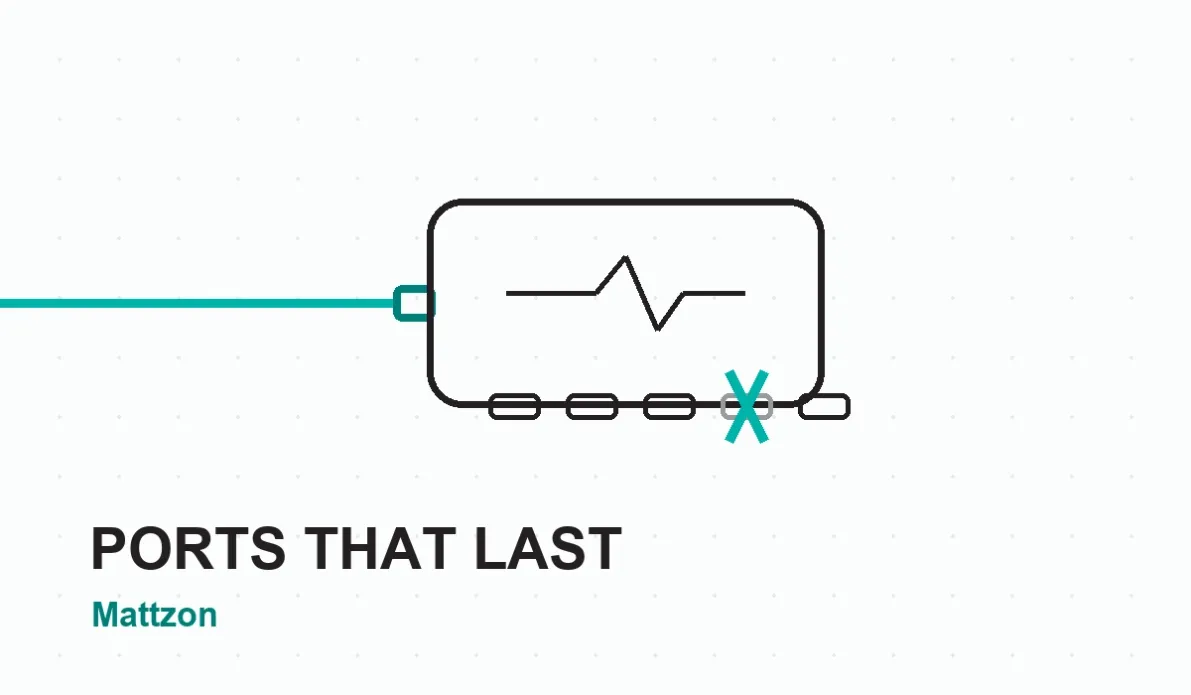
Almost everyone who has owned a cheap USB-C hub knows the pattern.
For a few weeks, everything works. Then the SD card slot stops being detected. A month
later the HDMI output flickers and gives up. Eventually the USB-A ports follow,
one after another, until the hub becomes an expensive paperweight with a cable
sticking out of it. The device never dies all at once — it dies the way a
poorly built bridge falls: slowly, port by port, joint by joint.
This failure pattern shows up constantly in buyer reviews. Reviews of budget
hubs on Amazon and Woot describe the same experience again and again — a
typical one, quoted from a TOTU docking station review, reads "worked pretty
well, but slowly one port after another stopped working." IT professionals
report the same phenomenon on Spiceworks, where network admins compare notes
on which docking stations survived the year and which had to be swapped desk
by desk. How-To Geek has documented the wider pattern too, listing heat as one
of the main reasons devices keep disconnecting from USB-C hubs.
So what is actually happening inside? A USB-C hub is a small power plant. It
takes one 20-volt input and converts it into several different voltages for
data lines, display output, card slots and charging. Every conversion produces
heat, and heat is the enemy of the small capacitors, MOSFETs and power
management chips that sit millimeters from the ports. In a well-designed hub,
those components are deliberately oversized — engineers call this "derating" —
so they run cool and survive years of daily plug-in cycles. In a cost-cut hub,
they are specified just above their working limit. The device works perfectly
on the bench in a 22-degree showroom. On a warm desk, inside a plastic shell,
with a laptop pulling 90 watts through it, those same components age in
dog years.
The failure then spreads, which is why ports die one at a time instead of all
at once. The power circuitry in a multi-port hub is shared: one weakening
component raises voltage ripple and temperature for its neighbors. Solder
joints on high-current paths flex slightly with every thermal cycle, and a
joint that was marginal from day one finally cracks. The first port to fail is
usually the one carrying the most power — charging or display — and the rest
follow in descending order of workload. When buyers describe a hub that "slowly
died," they are accurately describing a chain reaction that began with
undersized parts.
For a consumer, this is an annoyance.
For a distributor, importer or brand buyer, it is something worse: it is a returns curve. A hub that fails at month two comes straight back — with shipping, restocking, refund and a review that
outlives the product. This is why the sample-versus-bulk problem exists in
sourcing: samples are built carefully, mass production drifts, and port
failures are exactly where that drift shows up first.
The good news is that you do not need a lab to filter out hubs built this way.
You need a checklist, and you need to ask suppliers direct questions.
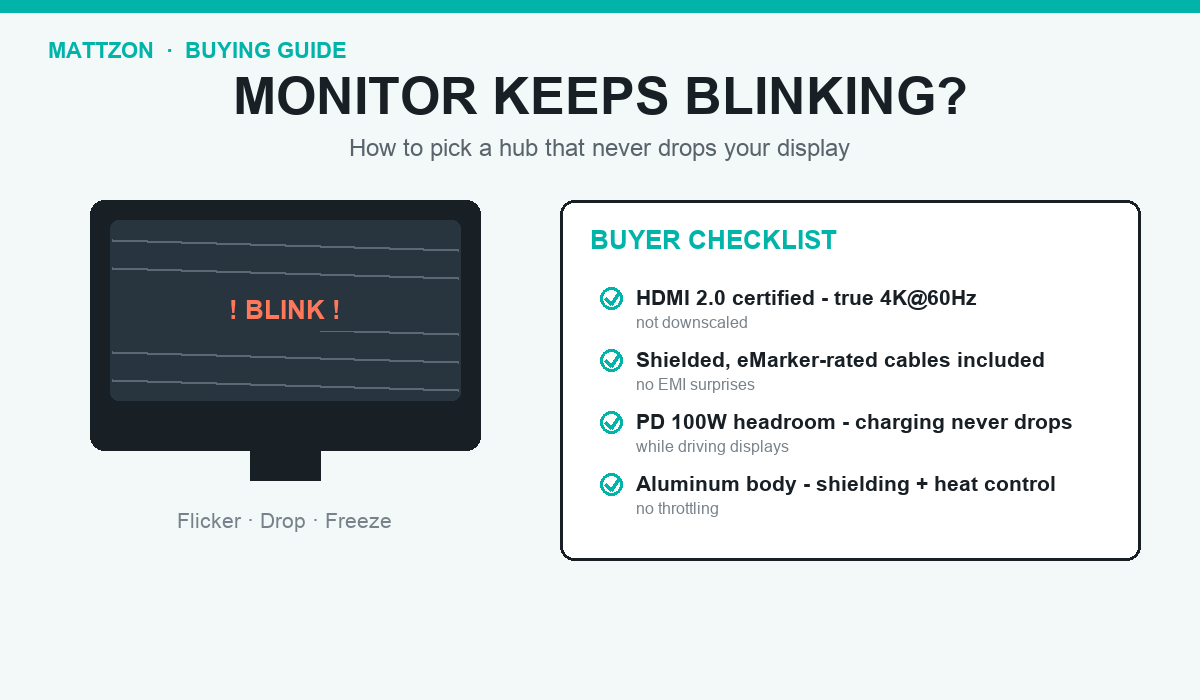
First, feel the shell. Aluminum is not just a style choice — it is a heat
sink. A hub that converts 100 watts inside a plastic box is trapping heat
exactly where the failure chain starts. Second, read the spec sheet the way an
engineer would: an honest maker states what each port actually delivers — 4K at
60Hz means 60, not "up to 4K" with a footnote — and states the charging budget
per port. Vague specs are usually hiding a power budget that falls apart when
everything is plugged in at once. Third, ask what happens inside before
shipment. The question that separates factories from assemblers is simple: do
you test every port of every unit, and do you run an aging test? A factory
that burns in every unit for a few hours before packing catches the marginal
solder joint and the weak capacitor before they reach your customer. A trading
company cannot answer that question at all.
This is the standard we build to at Mattzon. Our hubs use derated component
selection on all power paths — parts are specified well below their limits,
not at them. The aluminum shell is part of the thermal design, not an
accessory. Every unit goes through per-port testing and an aging test before
shipment, and we publish complete specifications — what each port delivers,
what the charging budget is — because we would rather lose a sale than answer
a warranty claim. As a Shenzhen factory with 89%+ private-mold products, no
minimum order quantity and 3-25 day lead times, we also invite OEM buyers to
audit exactly these processes, on site or by video, before committing to bulk.
A hub should be the most boring device on your desk — plugged in once,
forgotten for years. When you buy the next one, buy the one built to be
forgotten. If you are sourcing hubs for a brand or a distribution line and
want to see our testing process for yourself, message us on WhatsApp at
+86 186 8146 2886 — we will walk you through the factory, the test records
and a sample, one port at a time.