Oct 7, 2026Buying Guides
Powered or Bus-Powered: Which USB Hub Does Your Desk Actually Need?
Drives that disconnect and phones that trickle-charge are classic signs of a bus-powered hub running out of power. How to tell which hub type your desk needs.
There is a moment every desk user knows. You plug a hard drive into a hub that already carries a keyboard, a mouse and a charging phone, and twenty minutes later the drive vanishes from the screen. You replug it. It vanishes again. The hub is not broken and the drive is not broken. The hub simply ran out of power, because it was a bus-powered hub quietly dividing one laptop port's budget among too many mouths.
Choosing between a bus-powered hub and a powered hub is the first decision in hub buying, and it matters more than the brand name on the box. Here is how to make it in two minutes.
The Physics: One Port, Small Budget
A bus-powered hub has no power adapter. It draws everything from the single USB port of your laptop, and that port has a hard limit: a USB 3.0 port supplies about 4.5 watts per port, no matter how many devices are asking. Divide 4.5 watts among a keyboard, a mouse, a flash drive and a charging phone and each device gets scraps.
The symptoms are predictable, and they fill forum threads about mysterious disconnections. External hard drives drop offline during large transfers, because spinning drives need bursts of power exactly when data flow peaks. Phones charge slowly or not at all while other devices are attached. Some devices work alone but fail together. How-To Geek lists insufficient power among the top reasons devices keep disconnecting from USB-C hubs, and IT help desks see the same pattern on office desks.
A powered hub breaks that ceiling. An external adapter feeds the hub directly from the wall, so every port gets its full rated power regardless of how many are in use, and charging ports can deliver real charging currents.
When a Bus-Powered Hub Is the Right Answer
To be fair to the small ones: a bus-powered hub is lighter, cheaper and needs no wall socket, and for its intended job it is perfect. If you carry one in a laptop bag to add two or three low-draw devices, a mouse, a keyboard, a flash drive, at a client's meeting table, a bus-powered hub is the correct tool. The failure case is not the device type; it is the mismatch between the device type and the workload.
When You Need the Adapter
Choose powered when your desk answers yes to any of these. Do you attach external drives, especially spinning or SSD drives that do real work? Do you want phones or tablets to charge at full speed while everything else runs? Do you run three or more devices at once, every day? Do you use devices that misbehave on underpowered ports?
Then look for four things in a powered hub. First, that the adapter is included and specified, not "supports powered mode, adapter sold separately". Second, the per-port budget: what each port delivers with everything running, not just the totals. Third, dedicated charging ports: standards like BC 1.2 exist so a port can push 12W to a phone regardless of data activity. Fourth, speed where it counts: your fast drives deserve 10Gbps USB 3.2 Gen 2 ports, not 5Gbps leftovers.
A Concrete Example
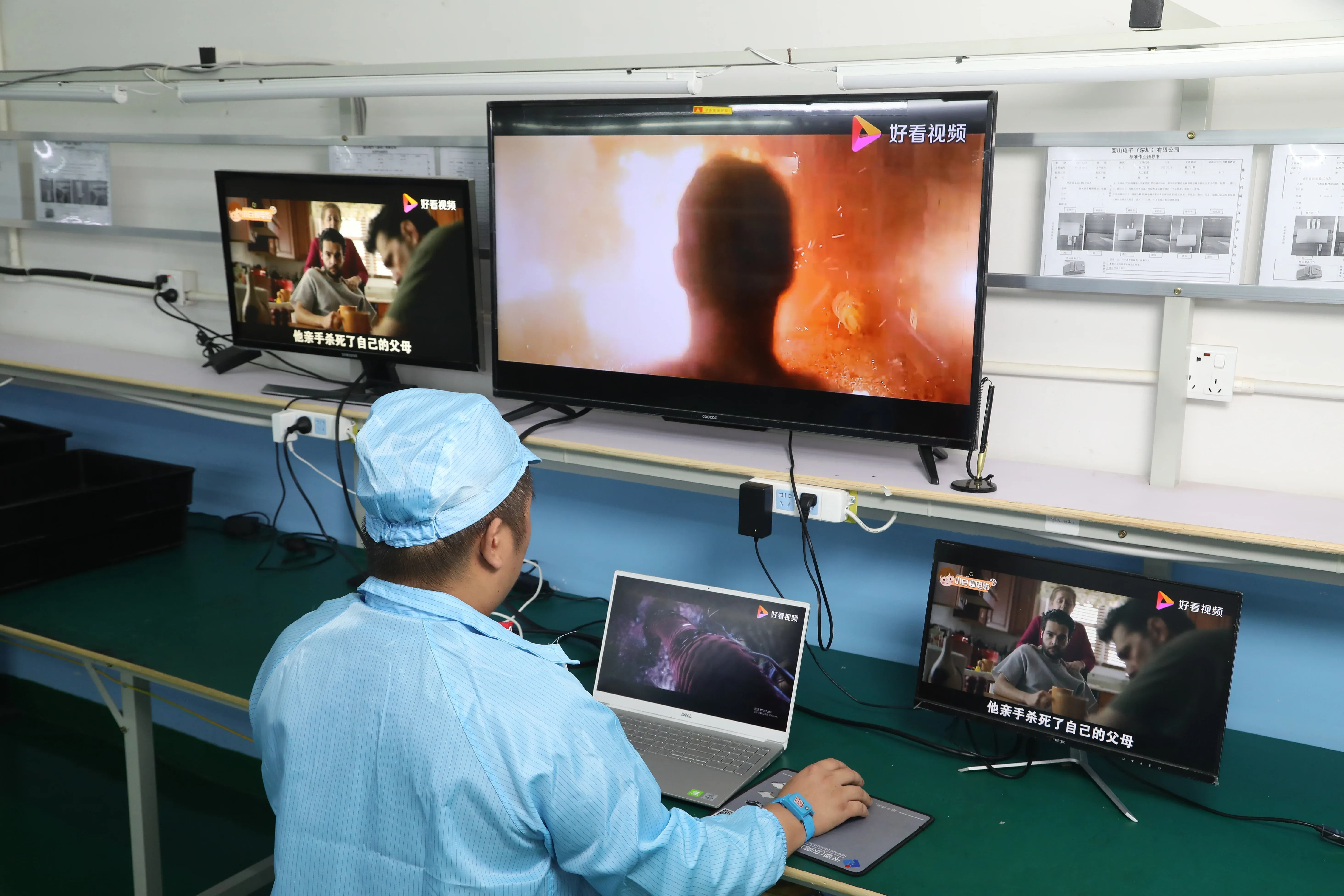
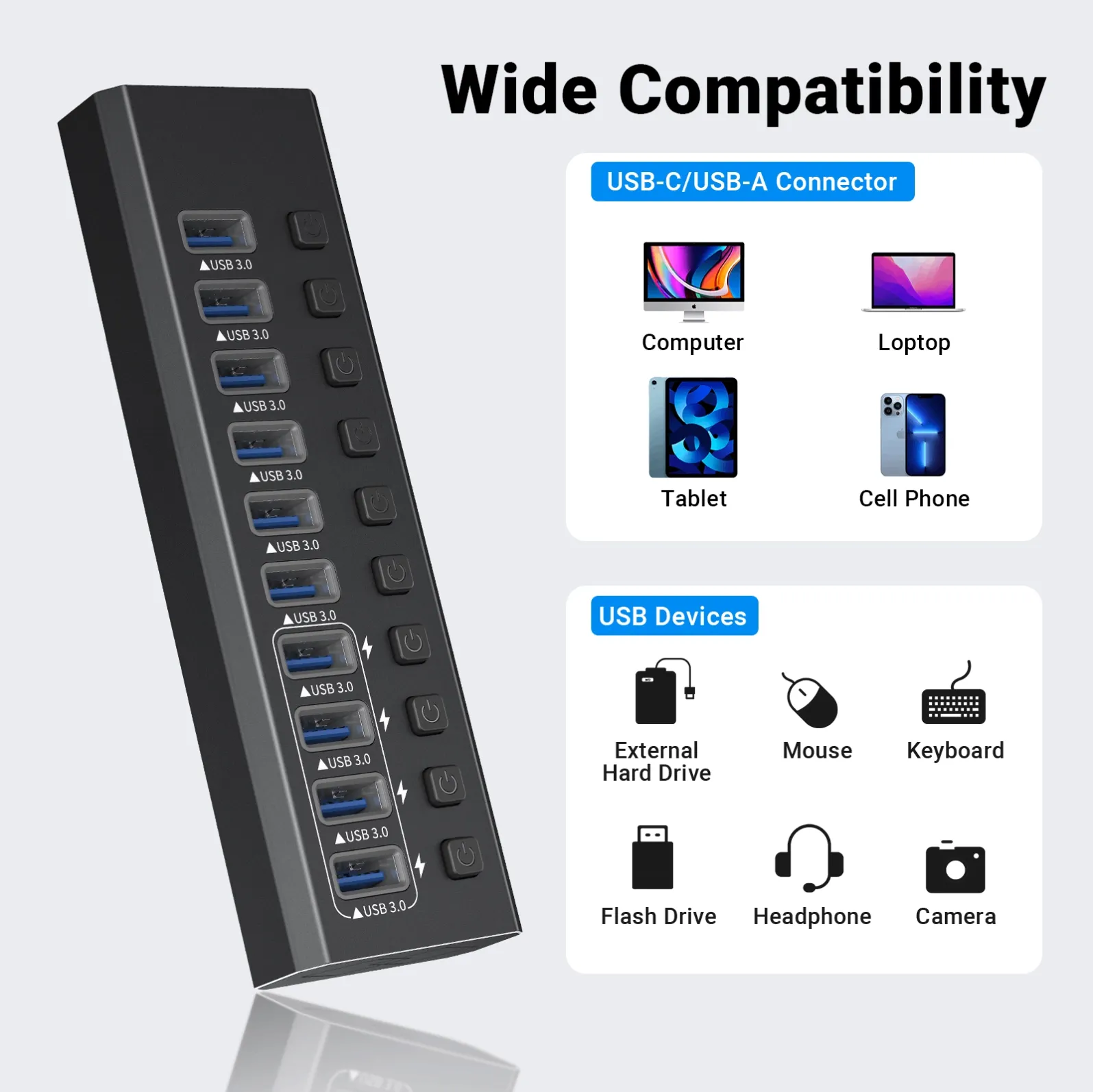
Our MZCKU10217B shows the pattern end to end. It is a USB 3.2 Gen 2 powered hub with two USB-C ports and one USB-A port at 10Gbps for fast drives and modern peripherals, three USB-A 3.0 ports at 5Gbps for everyday gear, and four USB-A 3.0 ports with BC 1.2 fast charging at 12W dedicated to phones and tablets, with the power adapter included in the box. Ten ports, one wall socket, no device ever fighting for scraps, and like every Mattzon product it passes per-port functional testing and an aging test before shipment.
The rule to carry away: count your devices, add their appetites, and buy the hub that feeds them. If the math says powered, buy powered. Your drives will stop vanishing and your phone will finally charge like it means it.
Full specifications for the MZCKU10217B are at www.mattzon.com. For samples or a quote on our powered hub line, message Kitty's team on WhatsApp at +86 186 8146 2886.