Oct 12, 2026Buying Guides
The Update-Proof Desk: How to Buy Accessories That Survive OS Updates
Operating system updates kill accessories in waves: docks go dark, adapters vanish. How to buy hubs, docks and adapters that survive the next update, whatever it breaks.
Twice a year, on a schedule you do not choose, your operating system updates. Most of the time nothing breaks. But owners of certain docks and adapters have learned to dread the dialog, because for a class of accessories the update is not maintenance: it is the event that kills them. The archives of communities like r/macbookpro and r/Dell hold years of the same report: a dock that drove two monitors on Friday drives one on Monday, an adapter vanishes from the system entirely, and the vendor's forum fills with users waiting for a driver that may take weeks, or never come.
The accessories that survive updates are not lucky. They are built a certain way, and that way can be specified in advance. Here is how to buy a desk that wakes up fine the morning after every update.
Understand Why Accessories Die in Updates
The failure has one root: a dependency on software that ships separately from the hardware. The clearest example is multi-display output over ordinary USB-C, which early technology handled by compressing the extra screens into data streams that a vendor driver unpacked on the computer. It worked, until the operating system changed under the driver. Similar stories surround ethernet adapters and audio devices built on chips that need vendor software to reach full function.
Hardware that presents itself natively to the operating system has no such dependency. The capability lives in the silicon, the system already knows how to talk to it, and an update changes nothing, because there is nothing to update. That is the property to buy.
The Five-Point Update-Proof Checklist
Point one: display output must be native. Ask directly whether a dock's multi-monitor support requires any downloaded software. The words to want are "native DisplayPort Alt Mode" and "no driver"; the words to avoid are "install our display software" and DisplayLink-style compression stacks, however mature they seem.
Point two: the same test for networking. Ethernet adapters whose silicon negotiates natively work on a fresh laptop out of the bag; adapters that ship drivers on a mini-CD are announcing their dependency. Plug-and-play is not a convenience feature here. It is an uptime guarantee.
Point three: prefer standard-compliant silicon. Cables and hubs that follow the published USB specifications put the negotiation into hardware, where updates cannot touch it. The non-compliant versions, the ones behind the industry's famous failure stories, cut exactly this corner.
Point four: demand a written firmware policy. Native hardware minimizes firmware risk without eliminating it, so ask every supplier: if an operating system update breaks this product, who tests, who fixes, and how do customers receive it? A process in writing beats a promise in person.
Point five: buy from factories, not assemblers. Only a factory controls its chips, its layout and its test data, and only a factory can honestly promise how its product behaves against the next update. Assemblers inherit whatever the upstream market offers that week.
How Mattzon Builds for It
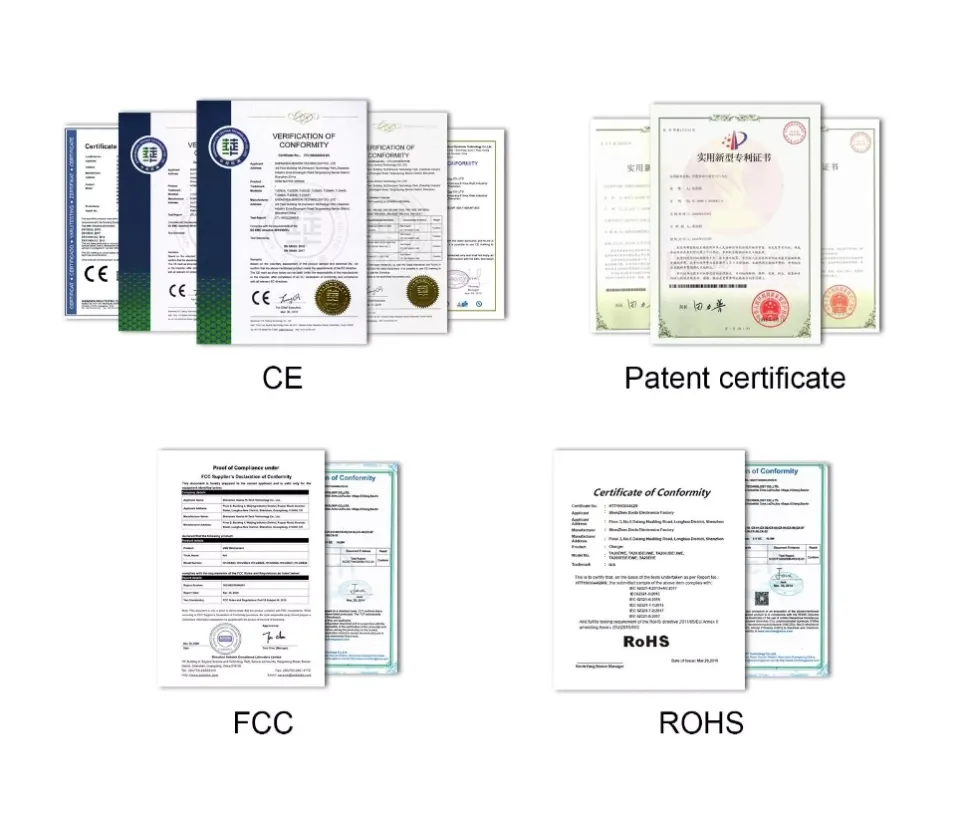
The driver-free principle runs through our entire line: our hubs and docks output displays over native connections with no software to install, our 2.5G ethernet adapter requires no driver at all, and our specifications state exactly which standards each port carries. Behind the hardware, every unit passes per-port functional testing and an aging test before shipment, and our products carry CE, FCC and RoHS certification with documents provided on bulk orders.
The desk should survive the update season as easily as it survives a Monday. If you want the update question answered in writing for any Mattzon model, message Kitty's team on WhatsApp at +86 186 8146 2886, and we will send the specifications to prove it.