Oct 6, 2026Buying Guides
Card Reader Buying Guide: CFexpress, UHS-II and the Speed Numbers That Matter
Card reader marketing lives on big numbers: UHS-II, 312MB/s, CFexpress. How to match a reader to your camera and workflow, and which speed numbers actually matter.
A card reader is the smallest device in the camera bag and the least forgivable one. It is the last checkpoint between a wedding, a product shoot or a client's archive and a drive that cannot be recovered. Yet readers are bought on instinct, from a marketing number, and the mismatch between the two is where workflows stall: transfers that crawl, cards that refuse to mount, slots that read one card at a time when the shoot produced two.
This guide sorts the categories, the numbers and the marketing from each other, in the time it takes to choose your next reader.
First: Match the Reader to the Card, Not the Hype
Memory cards speak in bus generations, and the reader must speak the same one. UHS-I cards, the everyday standard, top out around 104MB/s on the bus. UHS-II, introduced in the SD 4.0 specification, raises the bus ceiling to 312MB/s by adding a second row of pins. CFexpress, the current flagship format, leaves UHS speeds behind entirely with a PCIe-based interface built for video-grade sustained writes.
The practical rule is symmetry. A UHS-II card in a UHS-I reader runs at UHS-I speed: you paid for the second row of pins and left it disconnected. A CFexpress card in a reader without the right slot does not run slowly; it does not run at all. So the first buying question is not "which reader is fastest" but "which cards do I actually shoot", and the second is "will my next camera change that answer". Buying one bus generation above your current cards is reasonable future-proofing; buying three is decoration.
Second: Read the Slot Layout Like a Workflow
The slot layout is where readers quietly decide how your workday goes. Photographers and content teams rarely shoot one card at a time: cameras write to dual slots for backup, drones and phones add microSD, and a job is finished when both the SD and the backup are copied.
This is where simultaneous dual-card reading earns its place. The MZTC9924, an aluminum USB-C reader in the Mattzon line, carries one SD 4.0 slot and one TF (microSD) 4.0 slot, both UHS-II with a maximum of 312MB/s, and reads both cards at the same time. No card-to-card shuffling, no second pass through the footage, and no temptation to skim a backup copy. For creators whose card slots run in pairs, that single design choice halves the most tedious step of the job.
Specialists need special slots. CFexpress Type A, the compact flagship format used in professional mirrorless bodies, is a different mechanical and electrical world from SD, and readers built for it sit at the top of the market. The MZTC9972 pairs a CFexpress Type A slot with a microSD 4.0 slot and adds three USB ports, including USB-C 3.1 at 10Gbps, which turns a reader into a small dock: offload the cards, then leave the receiver, the card backup drive and the mouse attached. One device covers the whole desk of a working videographer.
Third: Distrust the Biggest Number
Here is the sentence to carry out of this guide: the number on the box describes the bus, not the experience. A 312MB/s rating is the theoretical ceiling of the UHS-II bus under ideal conditions; sustained reads depend on the card itself, the host port and thermal behavior in a small aluminum body. A responsible maker states the slot type, the bus generation and the realistic expectations, and an aluminum shell is not a styling choice: heat is the enemy of sustained transfer speed, and metal body is part of keeping a long offload from throttling.
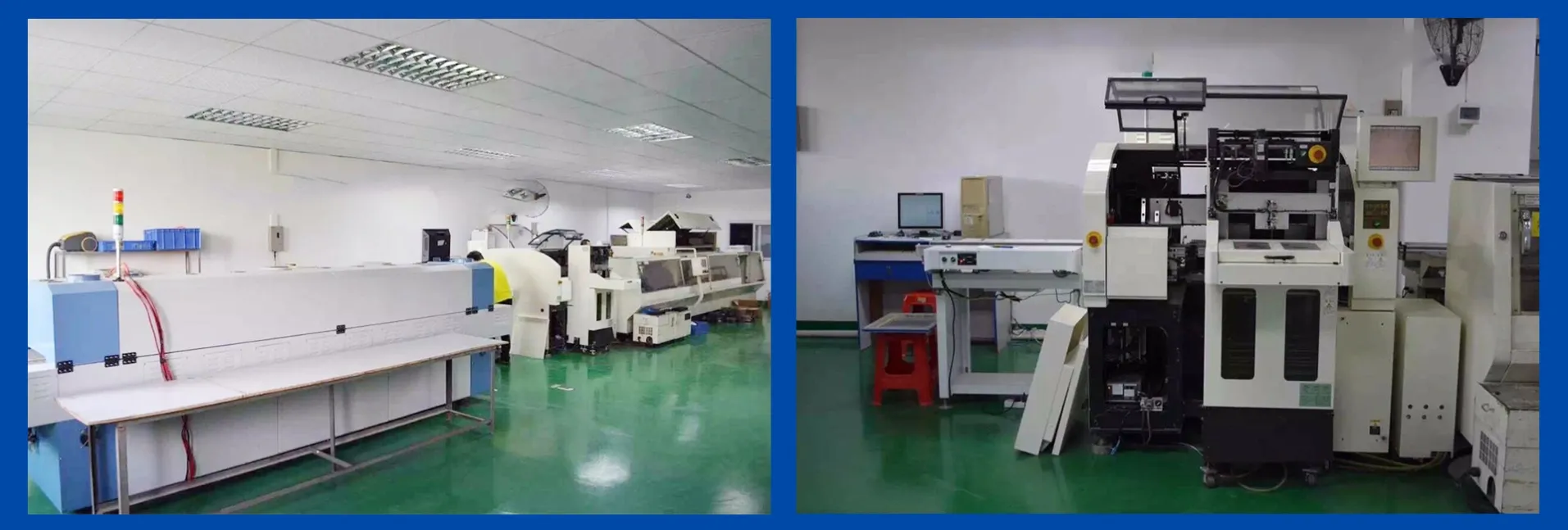
Two checks finish the job. One: match the reader's input to a port that can feed it, a 10Gbps USB-C or USB-A port, not the oldest hub on the desk. Two: buy from a maker who tests. Readers have ports and card slots just like hubs do, and the same failure discipline applies: per-unit functional testing and aging before shipment, which is how we handle every reader at Mattzon, from the 9924 to the 9972, alongside the rest of a line built with no minimum order, 3 to 25 day lead times and 89% private-mold products.
Choose the reader the way you choose the camera: by what it has to do on your worst day, not by the biggest number on its box. For samples of the MZTC9924 or MZTC9972, message Kitty's team on WhatsApp at +86 186 8146 2886.