Oct 26, 2026Buying Guides
The Home Office Refresh: Upgrading a Desk in Three Budgets
A home office does not need one big purchase; it needs the right order. Three budgets, three stacks, and the principle that decides where each dollar goes: the bottleneck first.
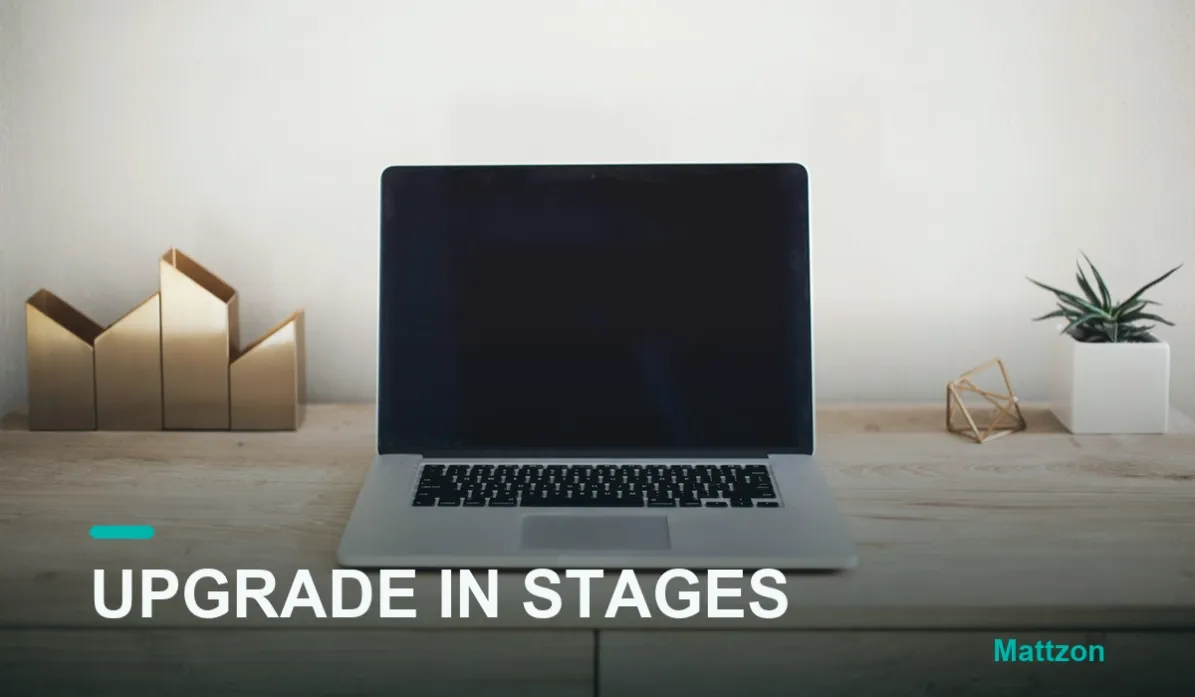
Home office advice usually starts with a shopping list and ends with a total that stings. The better approach is architectural: a desk upgrade is a sequence, not a purchase, and the sequence is decided by one principle this column keeps returning to. Money goes where the bottleneck is, first. A 50 desk. A $50 hub feeding a well-chosen desk is often the whole project.
Here is the refresh in three budgets, using real products from our line, so every recommendation is a spec you can check rather than a mood board.
The Starter Stack: Fix the Failures First
The entry budget should buy reliability, not features. Its centerpiece is a powered hub, the 7-port MZCKU7217B, whose specification covers the daily failures: 10Gbps USB-C and USB-A ports for anything fast, four 5Gbps ports with 12W BC 1.2 charging for phones and tablets, per-port on/off switches so misbehaving devices reset without desk acrobatics, and the power adapter included, which ends the shared-power-budget problem before it starts. Add one certified USB-C cable and the desk's most common failure, the mystery disconnect, is already solved. Everything in this stack survives the years, because it ships after per-port testing and aging screening like the rest of our line.
The Mid Stack: Add the Screen and the Network
The middle budget buys capability. Around the powered hub, add a dock-class upgrade: the MZTC9322 brings dual-display output with MST, Gigabit LAN, an M.2 NVMe/SATA bay, SD/TF slots and 100W charging into one body, which upgrades the desk in four dimensions at once: displays, network stability, local storage and power. Then buy for the meeting ritual: the MZTC344C capture card, which brings a real camera into calls over HDMI at 4K 30Hz with loopout, turns the home office into a broadcast-quality conference room for the price of an accessory. Braided, certified cables complete the tier.
The Flagship Stack: Remove Every Ceiling
The flagship budget buys ceilings, and removes them. The MZTC9791 runs three displays, an 8K 60Hz DisplayPort output plus dual 4K 60Hz HDMI, through one Thunderbolt 4 connection, with the dual-protocol M.2 NVMe/SATA bay at its core and ten more functions around it. The MZTC8722 Elite Drive-Dock adds a second always-connected NVMe bay to a second desk or a second machine. The aluminum MZTC1014 foldable stand dock carries the laptop corner of the room, and the MZTC9972 handles the CFexpress cards the flagship workflow produces. Nothing in this stack negotiates downward.
One Line, Three Budgets
The elegant part of buying from one factory line is that the stages upgrade each other: the starter hub moves to a second desk when the flagship arrives, the mid-tier dock becomes the travel kit, nothing is discarded on the way up. That is the quiet advantage of a single manufacturer's ecosystem, 89% private mold and OEM/ODM flexible, with no minimum orders and 3 to 25 day lead times at every tier.
Start where your bottleneck is, climb in the order your work demands, and never buy ahead of the bottleneck again. For a stack recommendation matched to your exact desk and budget, message Kitty's team on WhatsApp at +86 186 8146 2886, and tell us the budget: we will draw the sequence.