Oct 5, 2026Industry News
Driver-Free Docks Are Having a Moment: Native USB-C Video Grows Up
Plugable's new driver-free triple-display USB-C dock marks a shift: native video output is replacing driver-dependent docks. What changed, and what buyers should ask for now.
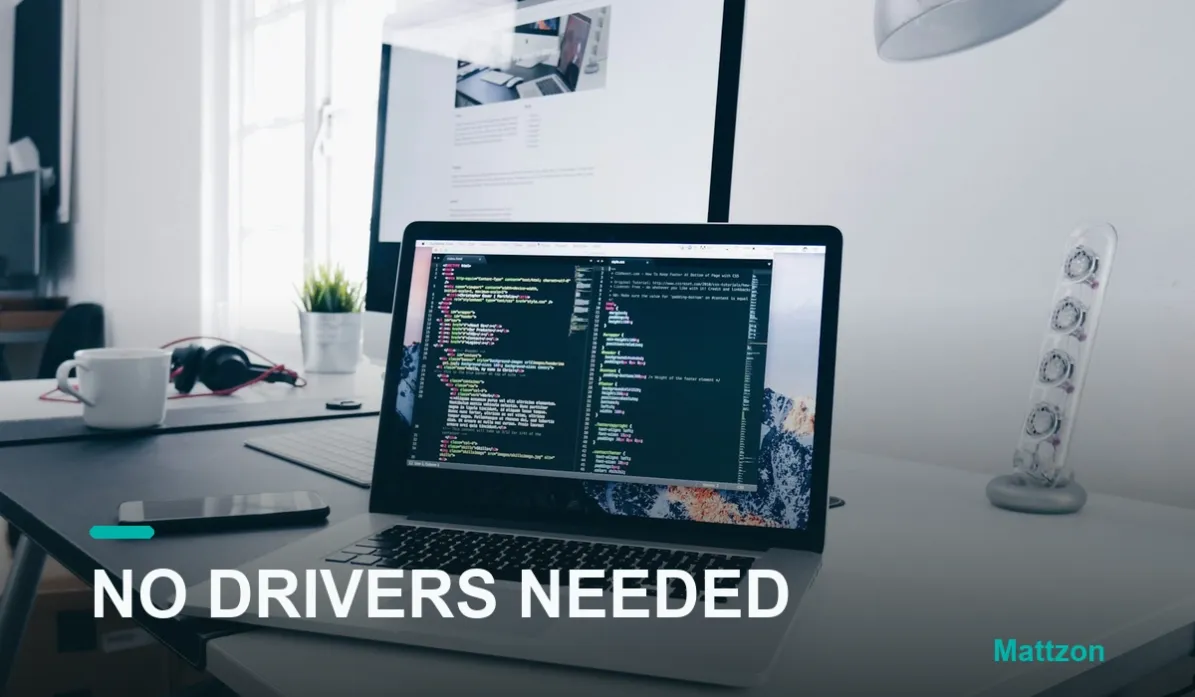
Every few years, a product announcement doubles as a state-of-the-industry address. The latest example comes from Plugable, the docking-station specialist, which has debuted a driver-free triple-display USB-C dock for Windows: true dual 4K at 60Hz over USB-C, a third display alongside them, fourteen ports in total, 100W power delivery, 2.5Gb Ethernet and 10Gbps USB. Read the press line twice and notice the word doing the heavy lifting: driver-free.
Why Driver-Dependent Video Was Ever a Thing
To understand why that word matters, rewind the problem. A single USB-C connection natively carries one display stream on most machines. People, however, want three screens, and for years the standard industry answer was a driver stack: a chip in the dock compresses the extra display streams into data, a piece of vendor software on the computer decompresses them into virtual screens. It works, and it powered a generation of multi-display docks.
The cost was always hidden in the software layer. Driver-dependent docks bring their own failure mode, and it arrives on a schedule you do not control: the operating system update. Our pain-point archive holds years of community reports, from r/macbookpro to IT help desks, of multi-display setups going dark after a macOS or Windows upgrade while the vendor scrambled to ship a compatible driver. Every driver in the stack is a dependency, and every dependency is a countdown.
The News: Native Video Grows Up
Which is why the Plugable announcement reads like a turning point. A dock that drives multiple high-resolution displays with no installer at all leans on what modern Windows and USB-C can do natively, and it quietly retires the entire class of update-week failures that driver-dependent designs accept. Device recognition, power delivery and 2.5-gigabit networking in the same box round out the picture: the premium dock is converging on a simple promise, plug in, and everything just works, through every update season.
Expect this to become the benchmark rather than the exception. As native multi-display support matures, the "requires driver download" line on a box will migrate from a neutral spec to a warning label, the same way "up to 100W" claims met their match in honest power-budget tables.
What Buyers Should Ask For Now
For office, education and retail buyers, the checklist writes itself. Ask whether multi-display output is native or driver-based, in writing, and ask what happens to the feature set after a major OS update. Ask whether any part of the product needs vendor software to deliver its advertised performance. And weight warranty and firmware commitments accordingly, because a dock with no software dependency has far fewer reasons to need them.
This has been Mattzon's design position all along. Our hubs and docks take the native, driver-free approach as standard, the same philosophy behind our no-driver 2.5G ethernet adapter, because accessories should survive operating systems, not depend on their goodwill. Combined with per-port factory testing, aluminum thermal design, no minimum order and 3 to 25 day lead times, it is a simple offer: connectivity that does not need a scheduler.
If you are specifying docks for 2027 fleets or shelves and want the driver question answered in writing, message Kitty's team on WhatsApp at +86 186 8146 2886.
Sources: Plugable product news blog, driver-free triple-display USB-C dock announcement (true dual 4K 60Hz, 14 ports, 100W PD, 2.5GbE); driver-dependent dock post-update failure patterns per community reports in the Mattzon pain-point archive.